Before flight
Charging the Remote ID Pro
Before turning on the unit, make sure the battery is charged. To charge the battery, connect the Remote ID Pro to power through the USB-C port using a standard wall plug or suitable device (personal computer, power bank, etc.).
We recommend fully charging the battery before use as this provides over 2 hours of operation without external power. Using a standard wall plug it takes approximately 1,5 hours. This might vary depending on your charging setup.
Charging LED
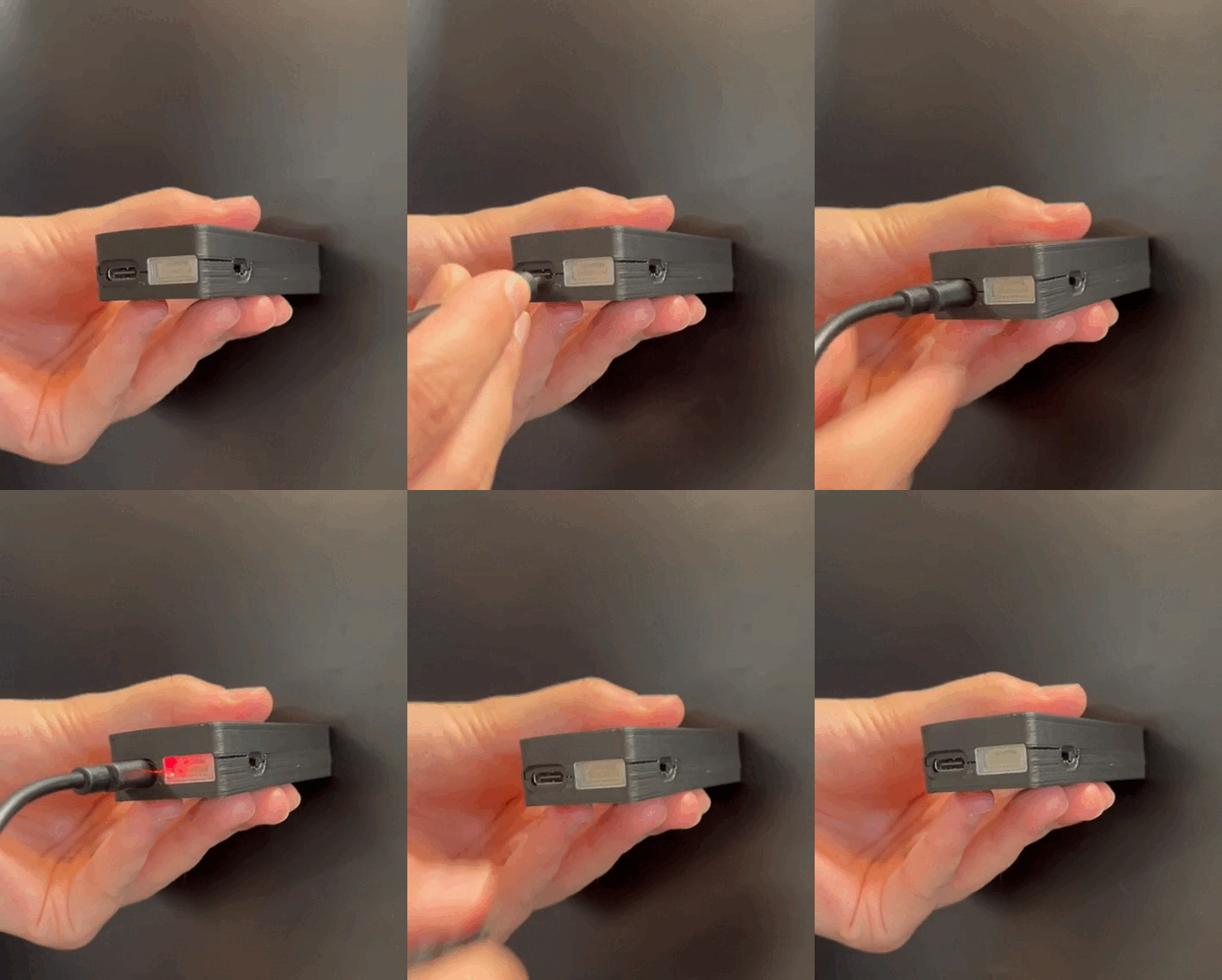
When connected to power, a red LED can be seen through the translucent cover on the MavLink port.
Charging in flight
The Remote ID Pro can be charged in flight via the drone battery. It can be done either through the USB-C or the MAVLink port. The MAVLink port is located on the right side next to the USB-C port:
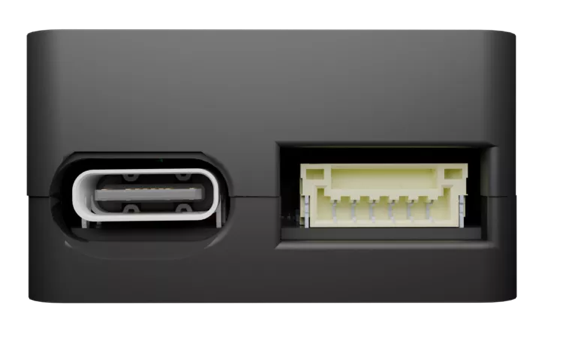
When powering the device through the MAVLink port, ensure the connections are made as shown below:
| MAVLink port | ||
|---|---|---|
| Pin | Signal | Volt |
| 1 (red) | VCC | +5V |
| 2 | No connection | |
| 3 | ||
| 4 | ||
| 5 | ||
| 6 (black) | Ground | GND connection |
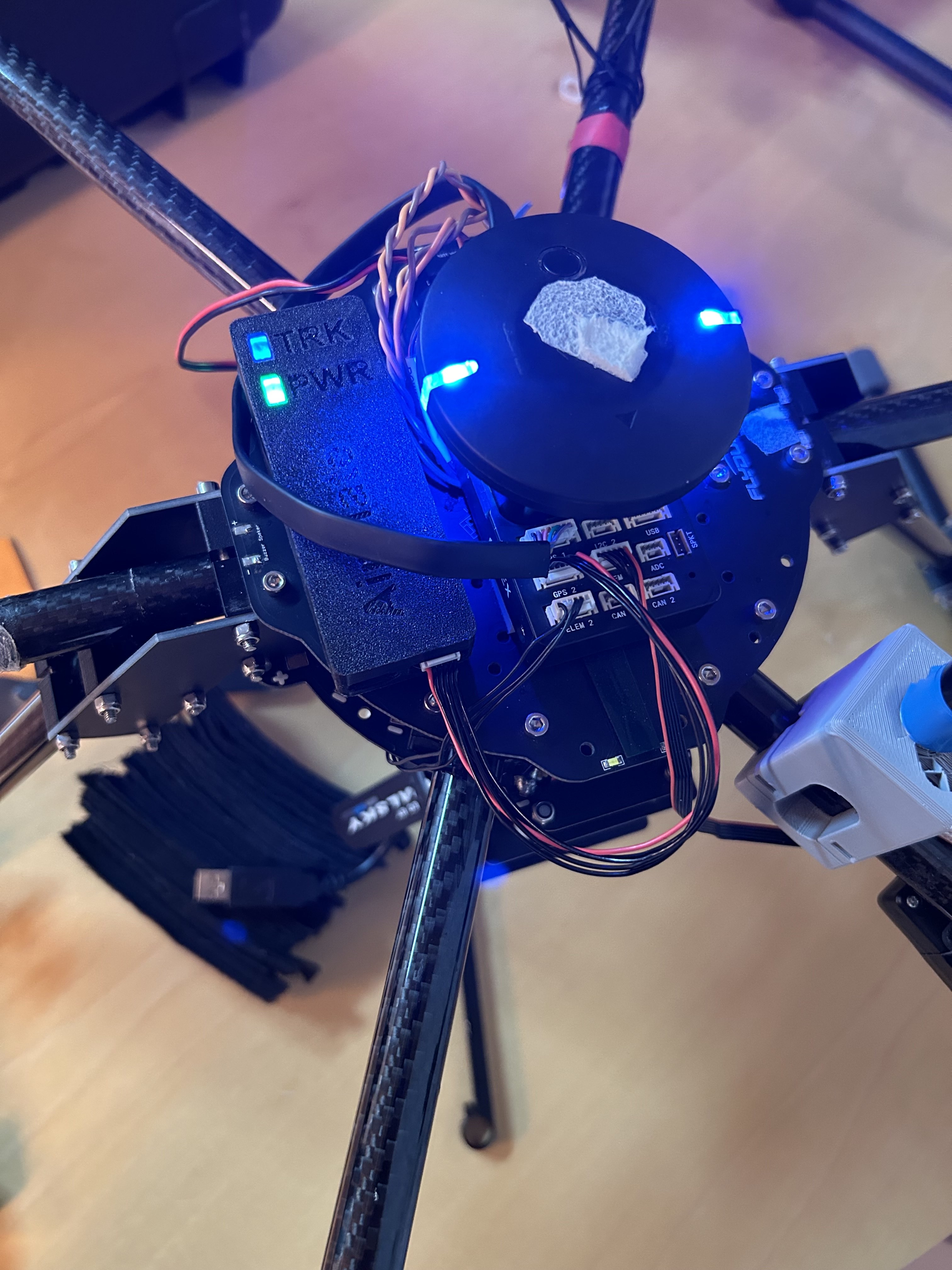
Below is an example of mentioned method:
Attaching the Remote ID Pro to the drone
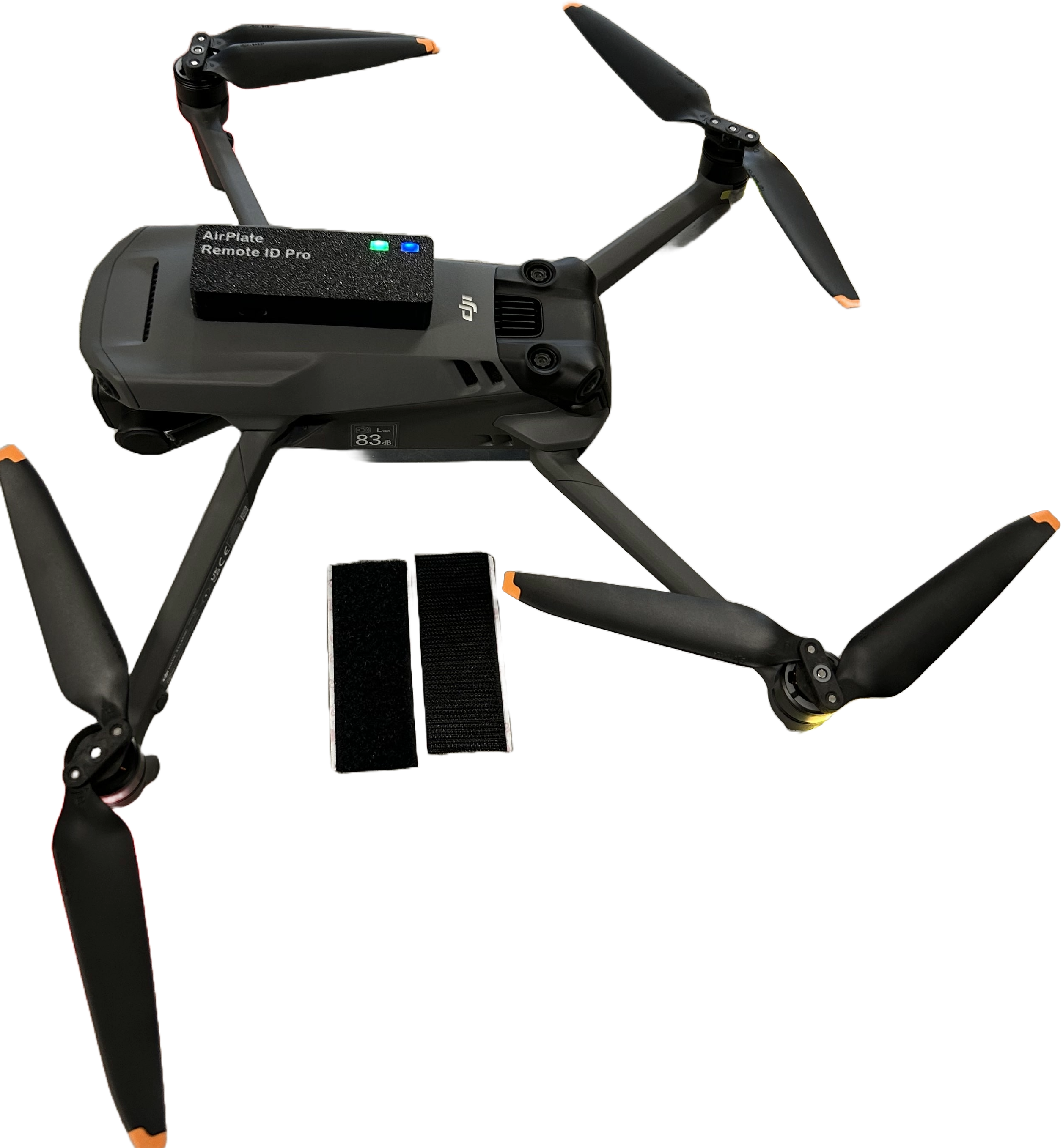
You can attach the Remote ID Pro to the drone through your preferred means. Our recommendation is doing it with a velcro strip, but you can also use double sided tape.
GNSS-Antenna Placement
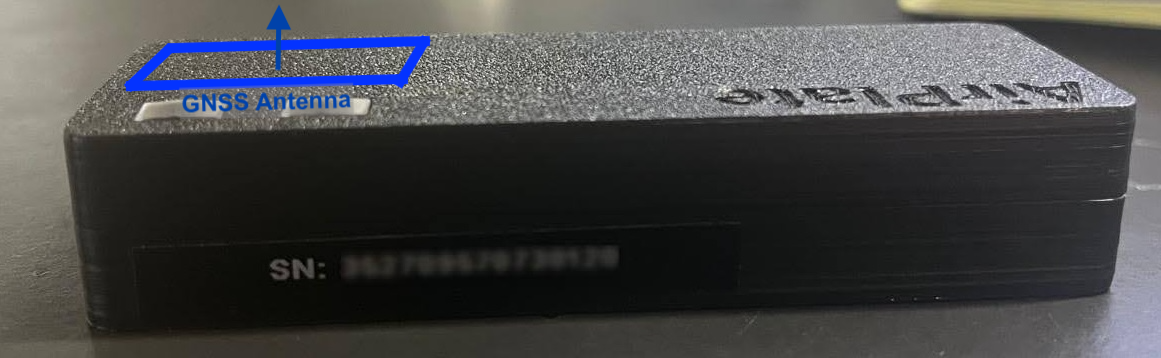
The GNSS antenna is positioned as seen in the image below. To get the best GNSS precision, the antenna must have a clear view and be perpendicular to the sky, as shown in the mounting suggestions. The Remote ID Pro still works even if you put it in other ways, for example on the side of the drone, but then the GNSS estimate will be poorer.
Preparing for use
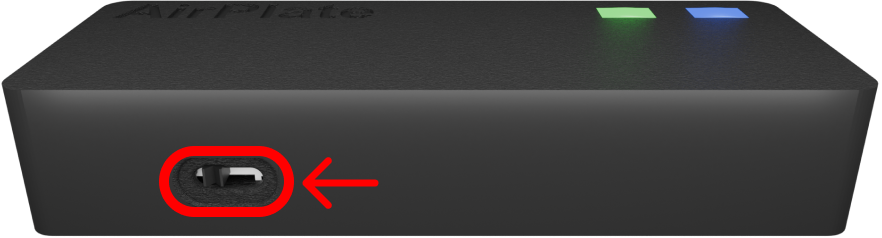
First of all, make sure you plug in your device and switch it on. The device can be turned on and off with the switch placed on the side of the board. It takes approximately 40 seconds for the Remote ID Pro to be ready for flights.
| Lighting behaviour | |
|---|---|
| The device is on and starting up. | 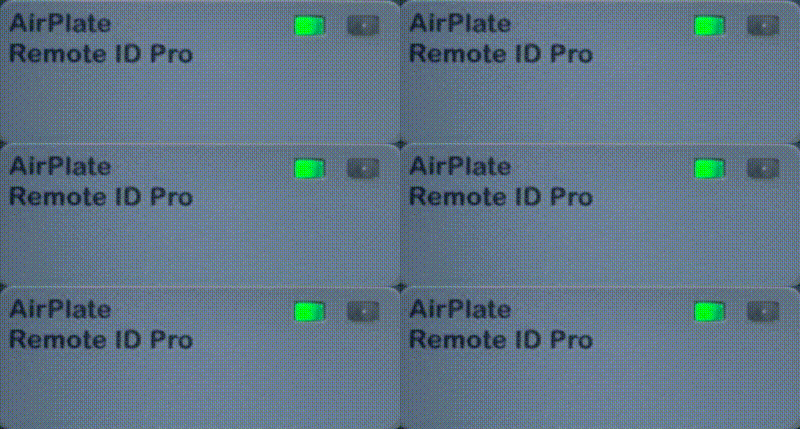 |
| The device is transmitting remote ID without GPS fixed. | 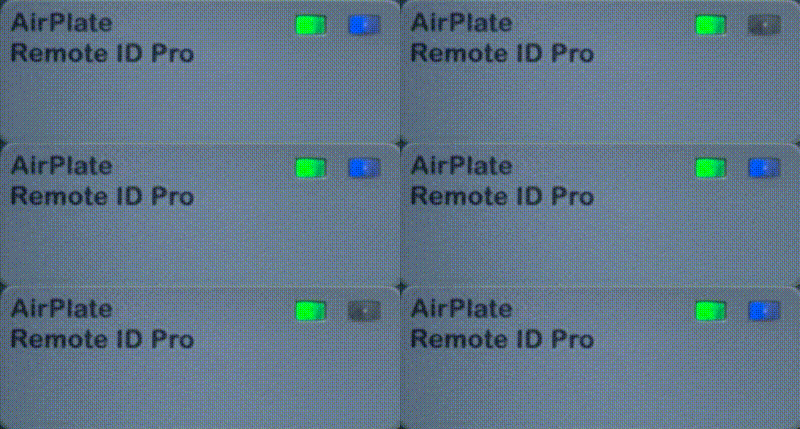 |
| The device is transmitting remote ID with GPS fixed. | 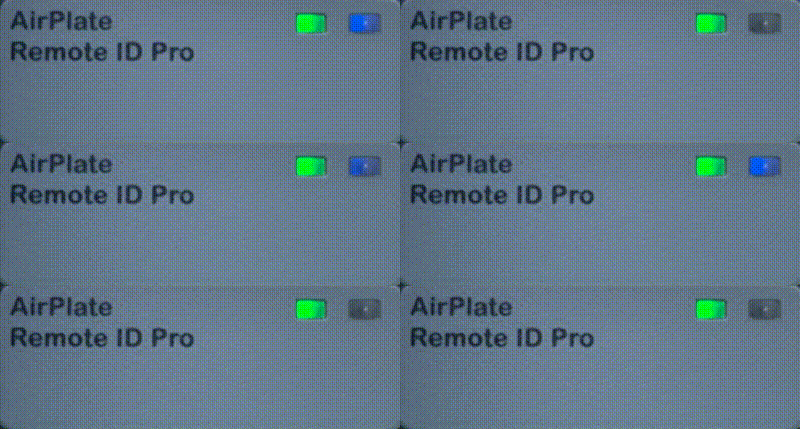 |
| The device is updating its firmware. | 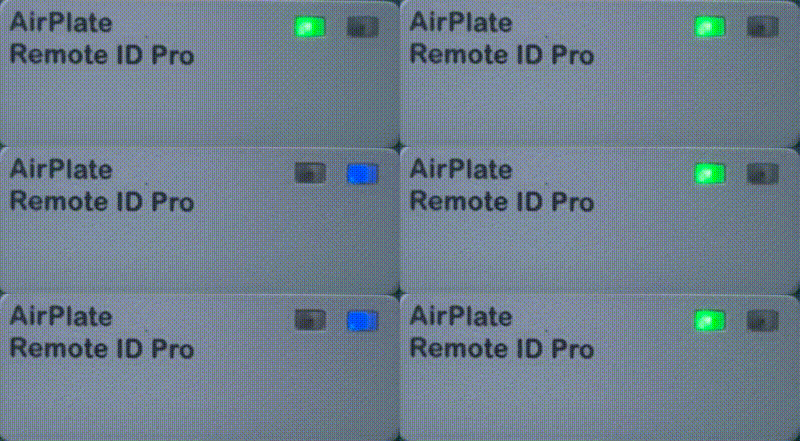 |